

Software development modeling
ProcessModel models a delivery team the same way it models any process: work arrives, it queues, someone works on it, and it moves on. The Software lens puts that model into the team’s own words, and adds one thing that is genuinely new: a written plan of work.
The Software lens
Section titled “The Software lens”The Software face of the industry palette is a lens. It curates ten elements for a delivery team, renames the fields into the team’s words (a Resource becomes a Team, a Processing Time becomes Effort), and relabels the report. The arithmetic is unchanged. For how the lens works and the full list of renames, see Industry palettes and the lens.
The elements
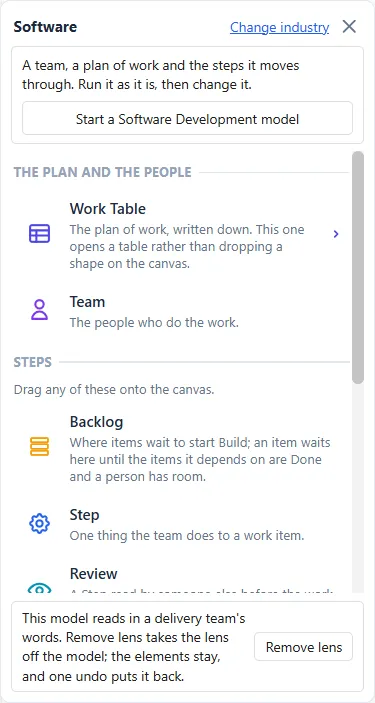
Section titled “The elements”On the Software face, under the headings THE PLAN AND THE PEOPLE and STEPS, are ten tiles.
- Work Table, the plan of work, written down before the run. This is the one genuinely new thing the lens brings. See The Work Table.
- Team, the people who do the work. See Teams and people.
- Step, one thing the team does to a work item, carrying a Kind of step that says what it is. See Steps and step kinds.
- Backlog, Review, Test, Pipeline, Release, Freeze and Done, the stops a work item passes through. See Backlog, Release, Freeze and Done.
The work item itself is not one of the ten. It is a general Entity, dragged from the toolbar down the left of the canvas, because the lens never changes that toolbar. Its name has to match the Type column of the plan letter for letter.
A model in one click
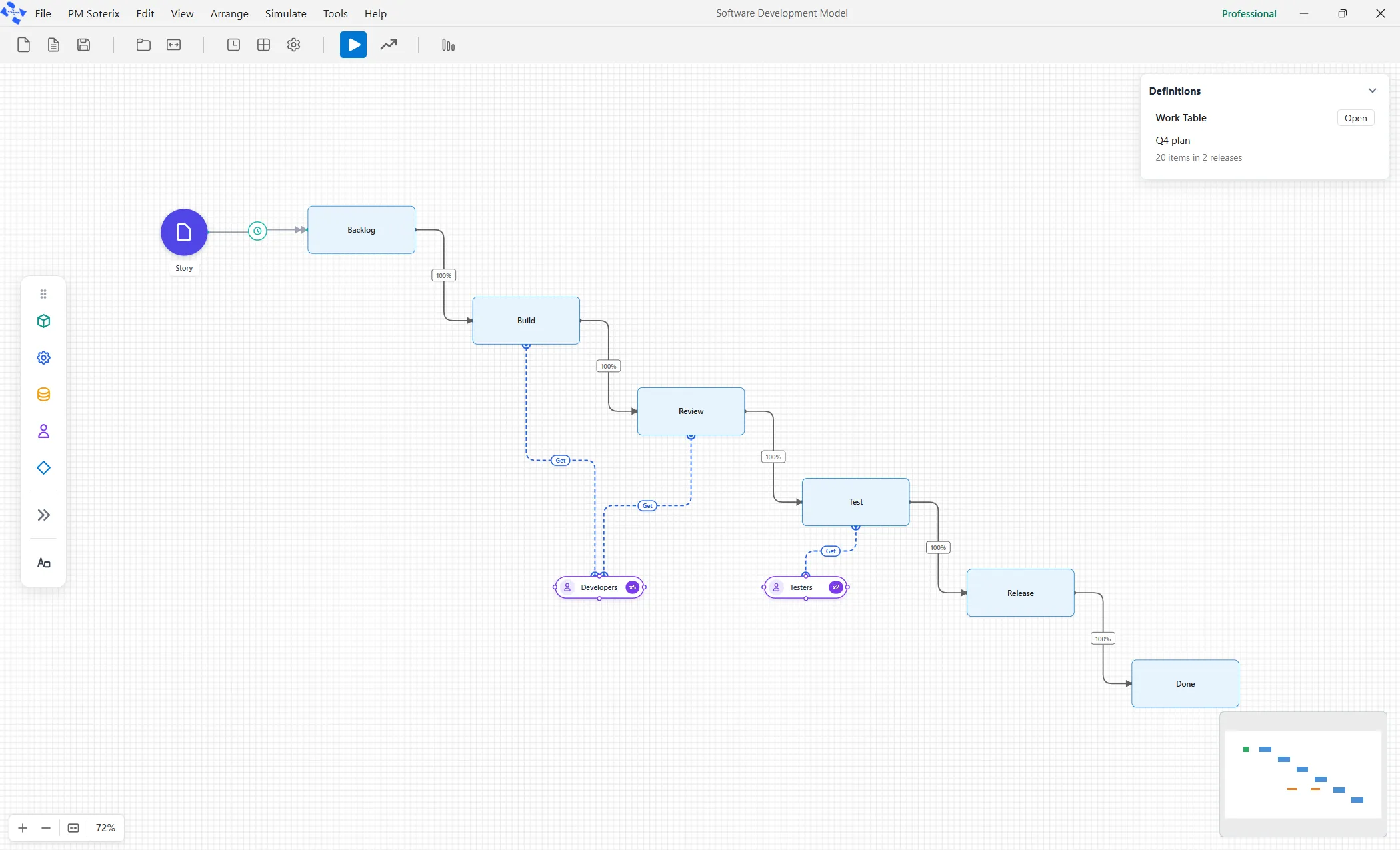
Section titled “A model in one click”On the Software face, Start a Software Development model opens the bundled demo Failed Tests in place of the open model, asking first if there are unsaved changes. The demo is a small, complete model: a plan of work, a Delivery Team of 4, a Tester, a Fix loop, a Stand-up and a Plan date of 21. It is the fastest way to see the pieces fit together, and the self-teaching guide walks through building one from an empty canvas.