

Arrays
An array is a grid of values that belongs to the whole model, for when a single variable is not enough: a table of setup times, a matrix of travel distances between locations, a price list by product number. Like a variable an array is global; unlike a variable it holds many values that you reach by position.
Define arrays in the Logic Builder, on the Arrays tab.
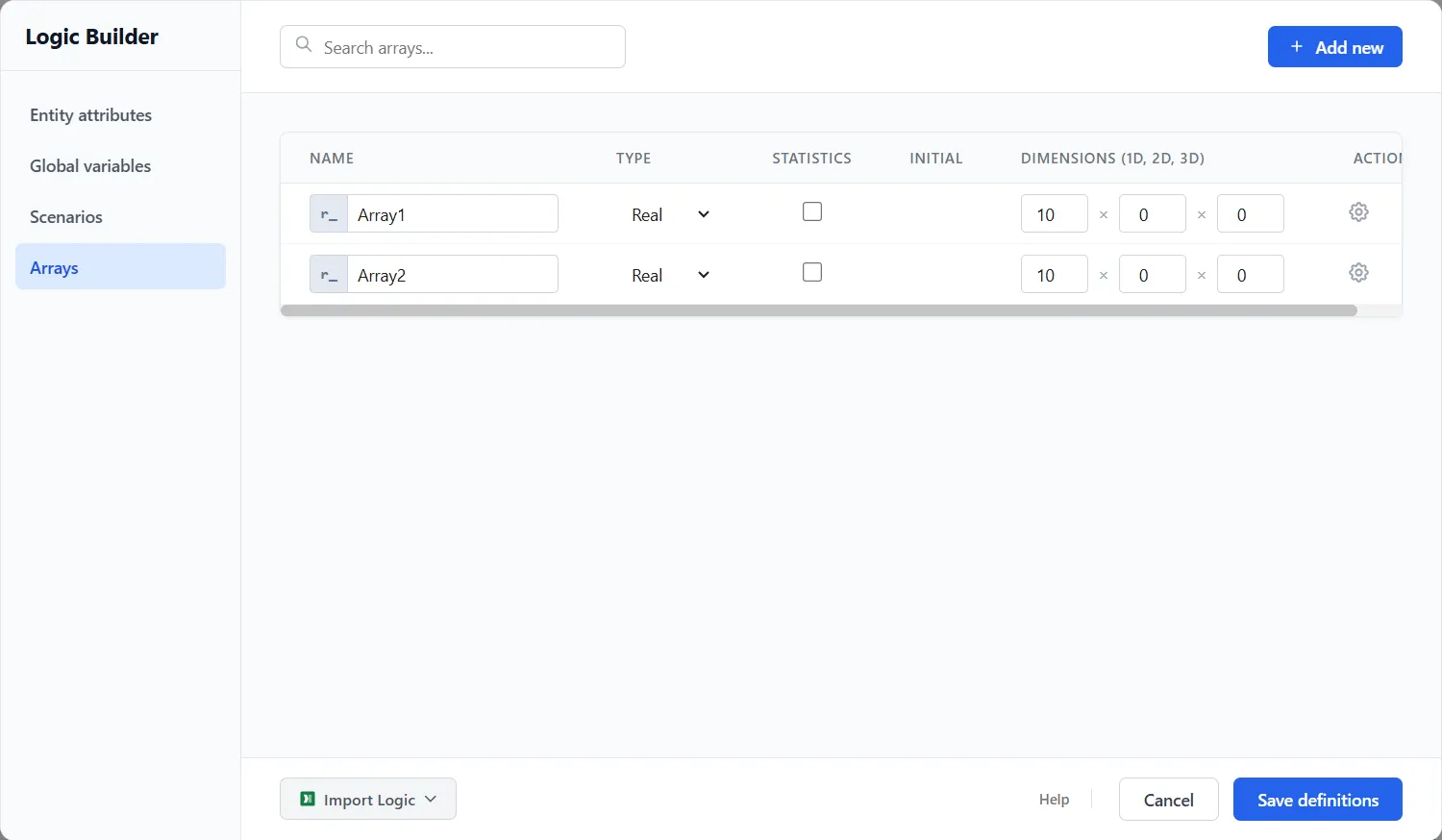
Defining an array
Section titled “Defining an array”- Name: prefixed
r_, for exampler_SetupTime. - Type: Integer, Real, Date, or Descriptive.
- Dimensions: an array can be one, two, or three dimensional. Set the size of each dimension you use and leave the others at zero: a single row of ten is
10, a ten-by-five grid is10 × 5. - Initial: a starting value applied to every cell.
- Statistics: track how the cells change during the run for the Arrays report.
You can also import an array’s contents from a file (Excel or CSV) instead of typing them in, which is the easy way to load a large lookup table.
Using an array
Section titled “Using an array”Read or write a cell by its position in logic and expressions, for example a setup time looked up by the product number.
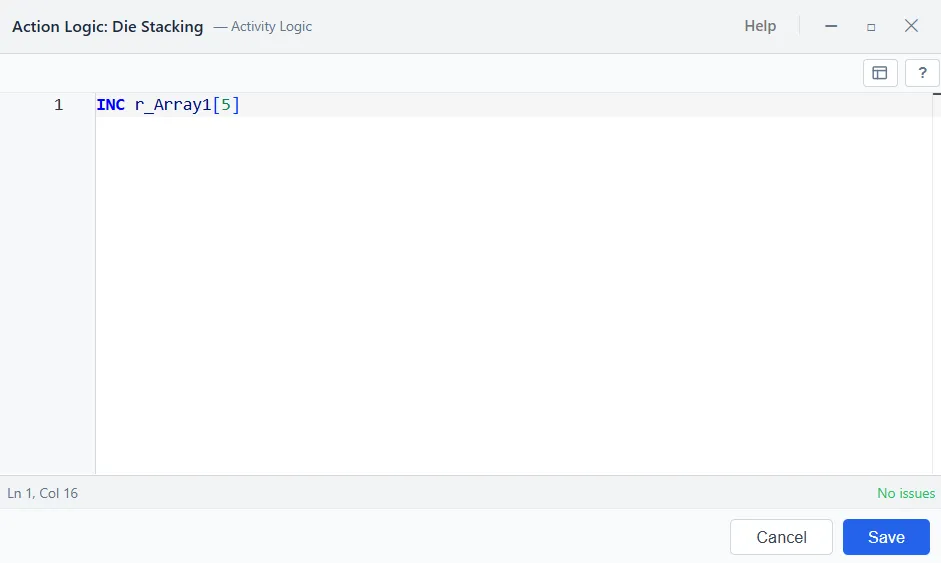
You can also step a single cell up or down in place with INC and DEC, the same way you would a counter variable. INC r_Array1[5] adds one to the fifth cell and DEC r_Array1[5] takes one away, so a running tally can live in an array indexed by type or by location without reading the cell, adding, and writing it back.
Worked examples
Section titled “Worked examples”Setup time by product
Section titled “Setup time by product”A single row indexed by product number returns a machine’s setup time without a chain of IF tests. Fill r_SetupTime once, then read the cell for the entity’s product:
SET a_Setup TO r_SetupTime[a_Product]TIME a_Setup minA travel-distance matrix
Section titled “A travel-distance matrix”A two-dimensional array is a grid, so r_Distance[from, to] holds the distance between any two locations and one array covers every pair:
SET a_Miles TO r_Distance[a_From, a_To]TIME a_Miles / v_Speed hrA price list by product number
Section titled “A price list by product number”Keep unit prices in r_Price and multiply by the quantity the entity carries. Editing the table reprices the model without touching any logic:
SET a_Price TO r_Price[a_Product]SET a_LineTotal TO a_Price * a_QtyA running tally
Section titled “A running tally”Step one cell in place to keep a live count per location. Add on the way in and take away on the way out, and the array holds work in progress without reading, adding, and writing it back:
// as an entity enters a locationINC r_WIP[a_Loc]
// as it leavesDEC r_WIP[a_Loc]
The Arrays report
Section titled “The Arrays report”After a run, the Arrays report shows each array’s size, how many cells were used, and its value range, with a drill-down into the contents and their changes.