

Gate Blocking
A gate’s Blocking tab decides how it hands entities to the next step, and what happens when that step has no room.
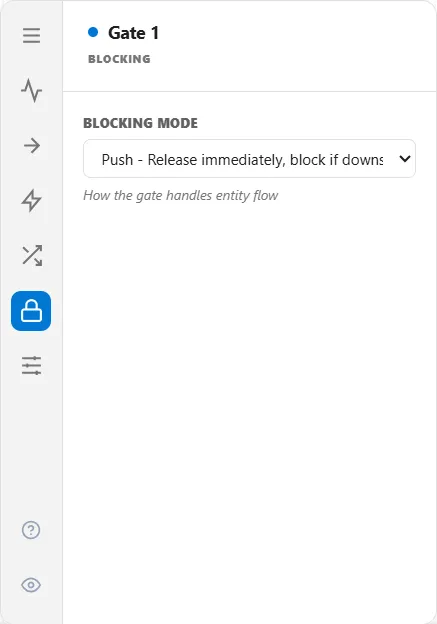
Blocking Mode
Section titled “Blocking Mode”| Mode | Behavior |
|---|---|
| Push | Release immediately whenever the gate is open. If the next step is full, the entity blocks in place (the default) |
| Pull | Release only when a downstream step asks for one, by freeing capacity |
Push is the ordinary case and the right default. The gate lets go as soon as it opens, and back-pressure happens naturally when the destination fills up.
Pull inverts that. The gate holds everything until a downstream step signals that it has room, then lets exactly one through per signal. Use it to model a genuine pull system where the downstream step sets the pace. A pull gate is stocked with credits from the downstream capacity at the start of the run, so it is not stuck waiting for the first signal.
What a Pull gate gives up
Section titled “What a Pull gate gives up”Running a gate as Pull means downstream demand governs it completely, so it cannot also be governed by anything else. A Pull gate cannot carry a schedule, an open or close condition, a Normally Closed default state, or the Windowed release mode. The Windowed option is not offered. The other settings stay visible but dimmed, with the reason on hover and a Clear button where a value is stored, and switching Pull on clears anything that was already set.
Under kanban
Section titled “Under kanban”With Kanban Pull Control on, Blocking Mode stays visible but dimmed, and the Release tab is hidden. The card loop decides when an entity is released and the blocking mode never comes into play. See Gate Flow Control.