

Arrivals
An arrival defines how entities enter your model. You create one by connecting an entity to its first activity or queue; the double-headed arrow marks the connection. The Type list in the arrival’s panel header, above the tabs, sets how entities arrive.
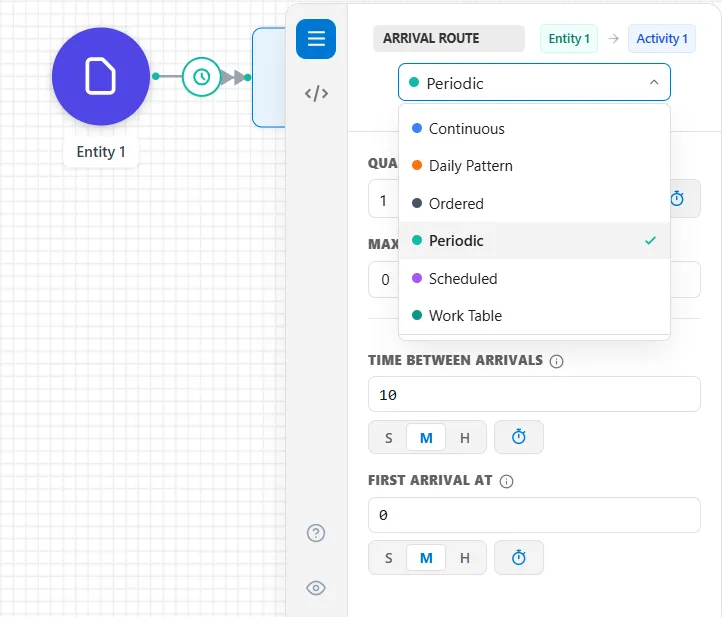
Arrival types
Section titled “Arrival types”- Continuous: keep the first activity full at all times
- Periodic: a set quantity every so often (the classic inter-arrival time)
- Scheduled: arrivals at exact times you list or import
- Daily Pattern: a weekly volume shaped across the hours of each day
- Ordered: demand-driven replenishment triggered by a signal
- Work Table: the rows of a plan of work arrive in the order listed, with a Pace and a Sprint length
Action logic
Section titled “Action logic”Every arrival shows an Action Logic tab, but on a Continuous or Scheduled arrival it opens empty (“No fields for this tab”). Continuous is governed entirely by capacity, and a Scheduled arrival carries action logic on each individual entry instead. The Periodic, Daily Pattern and Ordered types have an Action Logic tab that runs for every entity they create.
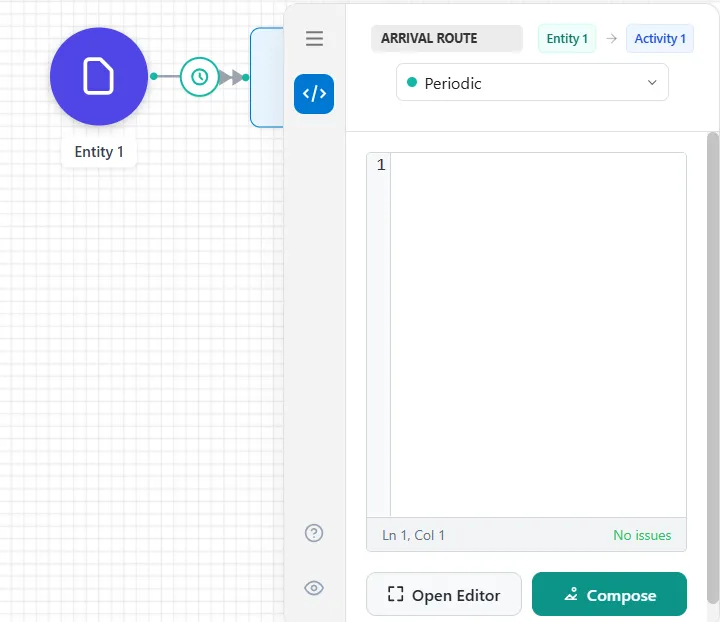
An arrival’s logic runs once per entity, as it is created, which makes it the natural place to stamp the entity with the attributes it will carry through the model: a due date, a priority, a product type. Write it inline, choose Open Editor for the full-screen Action Logic Editor with its checking, or choose Compose for the card-based Action Logic Builder.
LegacyHow this worked in the previous version
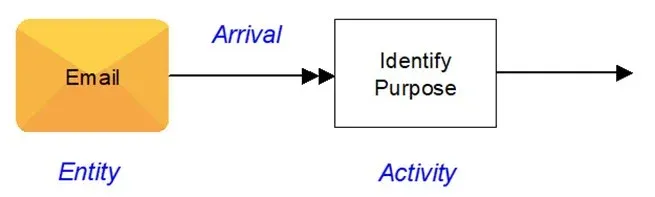
Arrival connections define how entities enter the system to begin processing. Define arrivals by connecting an entity to an activity or storage and entering clarifying information in the properties dialog. The double-headed arrow identifies arrivals.
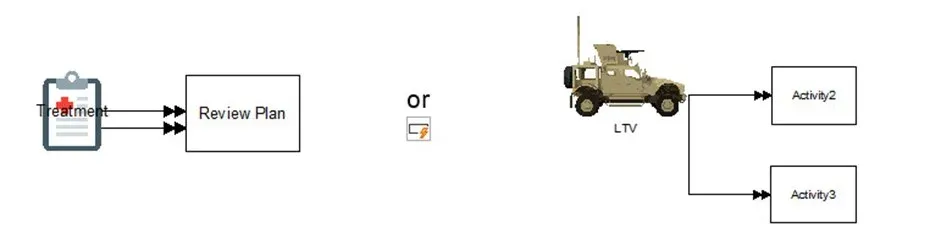
Create multiple arrivals from an entity to one or more activities.
The “Type” dropdown changes the type of arrival. Options Include:
- Continuous Always available
- Daily Pattern Different pattern for each day of the week
- Ordered Just-in-time, set the trigger to reorder
- Periodic Repeats on a set schedule
- Scheduled Define the time of each arrival
Additionally, see the model objects for arrivals.
- What is a daily pattern model object - Analyze raw data and automatically create patterns
- What is a scheduled arrival model object - Import arrival data with modifiers
There are two tabs common to all arrival dialogs: Action and Name.
Common Tabs
Section titled “Common Tabs”Action
Section titled “Action”Assign custom behavior to a model when entities arrive in the model. In addition to the arrival information set in the General tab of the arrival properties dialog, assignment Assign custom behavior to a model when entities arrive. In addition to the arrival information set in the General tab of the arrival dialog, assignment statements and IF…THEN’s might use entity attributes, variables, and scenario parameters to enhance the arrival functionality.
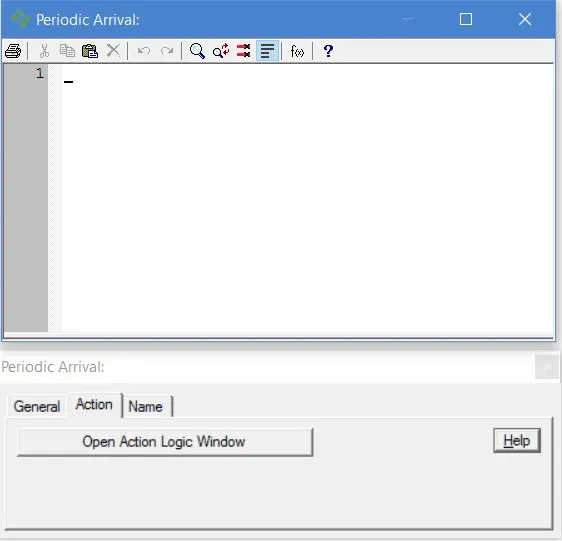
Action logic occurs at entity creation but before entering any activity. To learn more about Action Logic, see What is Action Logic?
The Name tab (shown below) allows you to define route names when you are linking hierarchical models. All arrival connections have a Name tab in their properties dialog. For more information, see Hierarchical Modeling.
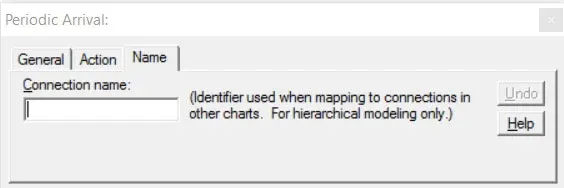
Connection name This name is used when mapping connections between different charts (main model and submodel). The Name tab is for hierarchical modeling only. See What is a Hierarchical Model?