How to Change the Default Model Template
This article is from the previous version of ProcessModel and is kept for reference.
LegacyHow this worked in the previous version
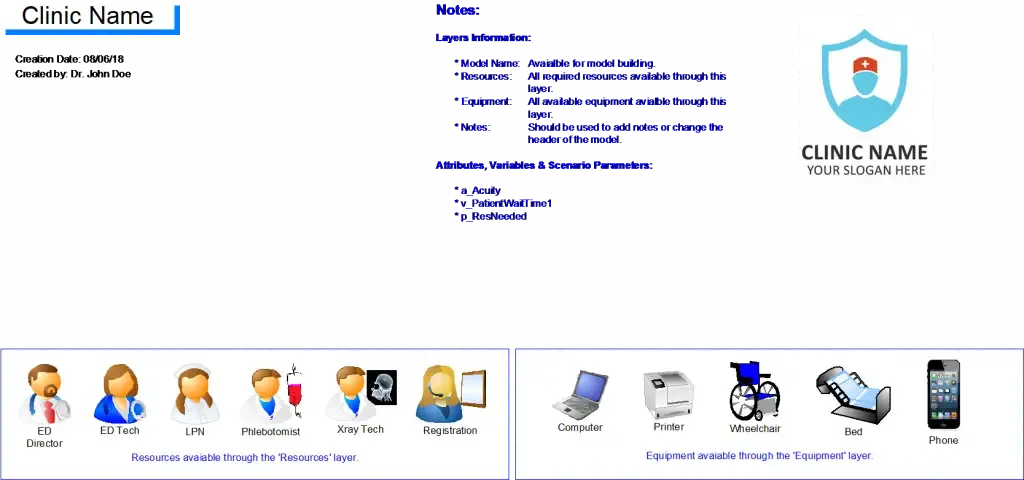
Change the default model to include predefined activities, variables, scenario parameters, titles, simulation time and layers. Customize the default model to provide exactly what your company needs to quickly develop consistent models.
Example
A health group comprised of many clinics needs a consistent information in all models. They created a template that had common graphics for patients, statistics to be collected and
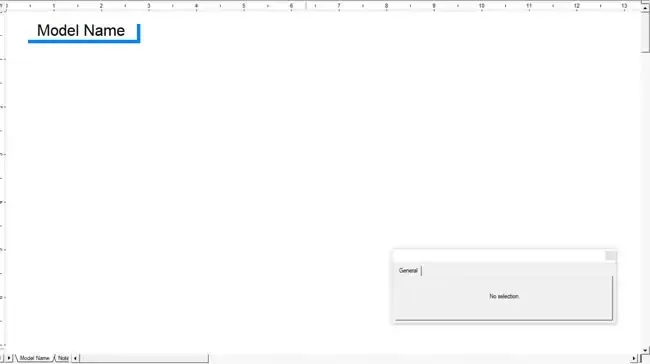
Default ProcessModel Template
Create a Template
Section titled “Create a Template”- Create a model with all the activities, variables, scenario parameters, titles, simulation time, layers etc that you want in your default template and save it with the name ‘Template’.
- Make a backup of the current default template by going to C:UsersPublicDocumentsProcessModelDemo ModelsTemplate and copying the two files (.IGX and .PMD) to a backup folder.
- Goto the folder where you saved model in step 1 and copy the .IGX and .PMD files.
- Goto C:UsersPublicDocumentsProcessModelDemo ModelsTemplate and paste the files, overwriting the files that are already in the folder.
Outputs Available
Section titled “Outputs Available”Close ProcessModel and re-open to load the new default template that you added.