

The approach
See the process clearly, then prove what to fix
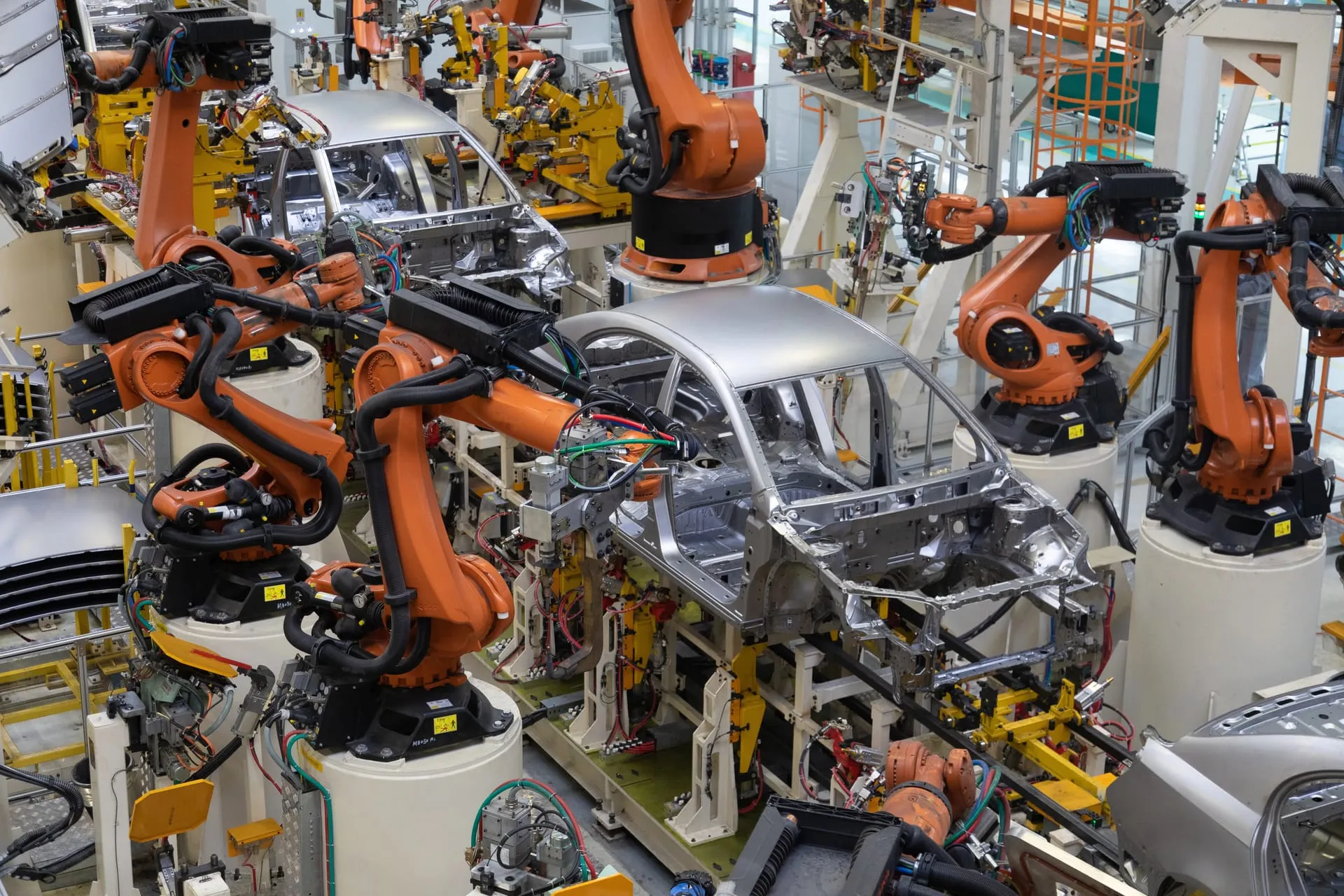
On a busy line, the obvious bottleneck is rarely the real one, and rebalancing the wrong station is expensive. ProcessModel makes the whole line visible, from raw material to finished goods, with real machines, buffers, changeovers, and variability in play. It is built for lean manufacturing and continuous improvement work: run a discrete event simulation, rank every step by the time and cost it adds, and prove a change before it touches the floor. Value stream mapping shows where value is added and where it is not, so the waste, the redundancies, and the non-value-added activities stop hiding and start getting removed.
What you can model
What you can model in manufacturing
A working model of the work, run as a real simulation, so the real constraint is obvious.
Assembly and production lines
Lay out stations, cells, and lines on a single canvas, then run them with real cycle times and variability to see how the line actually behaves under load.
Throughput and work in process
Measure throughput and work in process across every path, and test the change that lifts output without flooding the floor with inventory.
Machine and station capacity
Size machines and stations against demand, model breakdowns and repairs, and find where capacity is short and where it sits idle.
Changeovers and batch sizes
Try batch sizes, changeover times, and sequencing rules, and see the effect on throughput, queues, and cost before you commit to a plan.
Inventory and material handling
Model buffers, carriers with finite capacity, travel time, and replenishment, so material handling is part of the picture, not an afterthought.
Lean and value stream analysis
Classify value-added and non-value-added time, map the value stream, and target the waste with the proof to back the decision.
Case studies
Proven in manufacturing
Real projects where a team mapped the process, ran the simulation, and proved the result.
$700Ksaw purchase avoided
Avoiding a $700,000 saw the line did not need
A window manufacturer
Read the project+19%more throughput, at almost no cost
Lifting export throughput 19 percent for pennies
A vehicle export processing center
Read the project7%how close the model ran to the real line
A variable assembly line modeled within 7 percent
An electronics assembly operation
Read the projectOn timedelivery across 20 to 30 simultaneous customer orders
Bringing order to high-stakes casting delivery
A multibillion-dollar aerospace and medical castings producer
Read the project$600Kinventory cut across six plants
Right-sizing kanbans across six plants
An office-furniture manufacturer with six plants
Read the projectSee it in action
Build it, run it, find the bottleneck
The same workflow powers every industry. Build the model, or let your own AI app work in it through PM AI Bridge. Run a real discrete event simulation, find the constraint with Impact Analysis, and compare the fix against the current state. See the canvas, the live run, and the reports on the product page.
Explore the product- 01
Build the model
Lay the process out on the canvas, or turn on PM AI Bridge and let your own AI app work in it, and review the model before anything changes.
- 02
Run the simulation
Watch the work move through your process with real resources, queues, and variability.
- 03
Find the constraint
Rank every step by the time and cost it adds, then start with the one that matters most.
- 04
Prove the fix
Compare current state against future state and see the result before you commit.
Customer stories
Teams that model first, change once
ProcessModel helps us identify the redundancies in a process, the waste, and the non-value added activities. We can look at resource utilization, including manpower, and we can examine total process cost.
ProcessModel is very easy to use. It is a great software and relatively inexpensive. I would recommend it to any engineer involved in manufacturing.
See your manufacturing process clearly, then prove the fix
Build the model, run the simulation, find the constraint, and show the improvement before you change a thing.