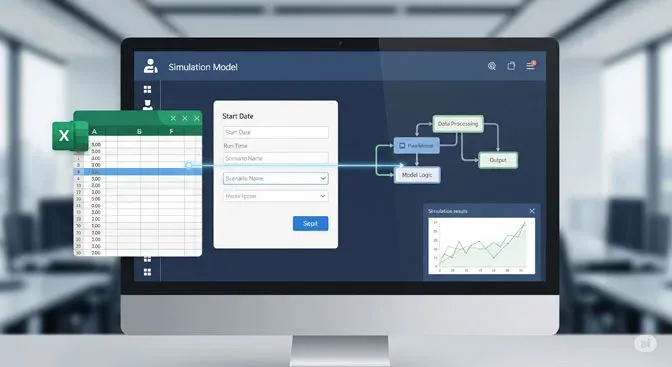
The ProcessModel resource scheduler defines shifts for every staff member and asset on a single page. It is simple to use, gives you visibility of all shifts at once, and tracks the total hours assigned to each resource.
Shift setup for many resources, simplified
Setting up and assigning shifts could not be much simpler. You add resources to your model, and the scheduler finds them and builds one page that lists every asset in the model. You fill in the blanks, and the scheduler creates and assigns the shifts for you.
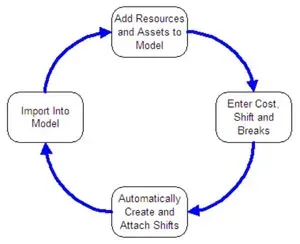
The old approach was far more tedious. You had to build a scattered series of shifts with no way to see the others, and every resource had to be opened separately to assign its shifts. The scheduler replaces that with one place to create and assign every shift.
Scheduling on one page
Scheduling from a single page makes complex resource assignments much easier to visualize. You can see every resource in the model, the days each one works, and even the number of hours each is assigned, all in one view.
See the work hours
State labor rules require companies to be careful when planning work for different groups of employees. The scheduler helps you spot trouble areas while you plan to meet customer requirements. Will full-time or part-time staff cover the demand? You see the running total hours for each person as you build the shift, so problems surface while you can still adjust them.

The ProcessModel resource scheduler is simple to use, gives you the visibility you need across all shifts, and shows the work hours for every critical asset. Strong shift planning is one of the most direct ways to improve a process, and the scheduler makes that planning fast. To see it in context, explore what ProcessModel can do.