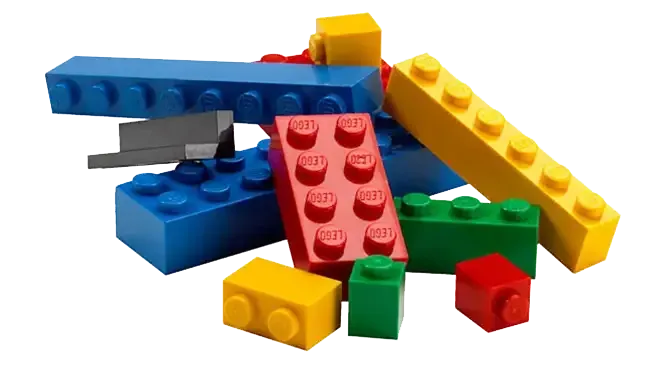
Model objects are Legos for process improvement projects. They are pre-built segments of a model that snap together to solve difficult simulation problems. They cut the time a project takes and raise its quality at the same time.
What will model objects do for me?
Model objects shorten your modeling time and let you solve problems that were out of reach before. A few examples make the point.
Say you wanted to build a high-volume production system, with weekly volume above one million. There are seven key model objects for high-volume production. They take seconds to use and save hours of work, and three of them apply techniques most of the user base had never seen.
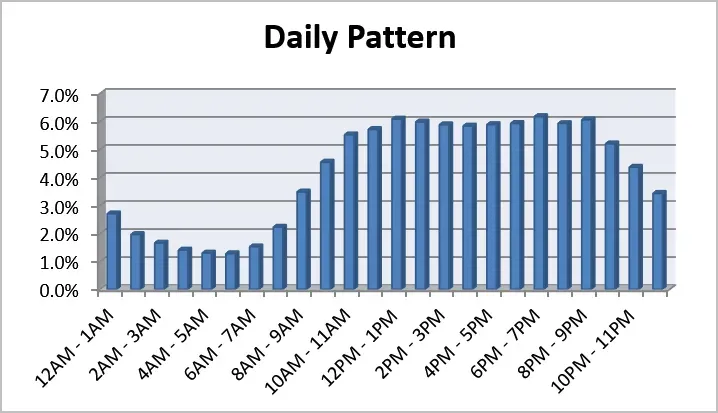
Say you needed to turn raw data into arrival patterns. Most people do not know how to convert raw data into arrival patterns, and even those who do find it takes hours. With the right model object, the whole job takes about a minute.
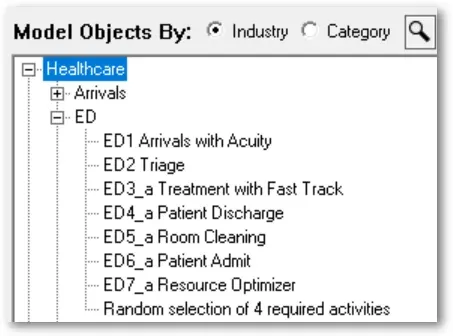
Say you needed to build a complete emergency room model. Seven model objects handle the hard parts, including triage, discharge, room turns, and the collection of unique medical statistics.
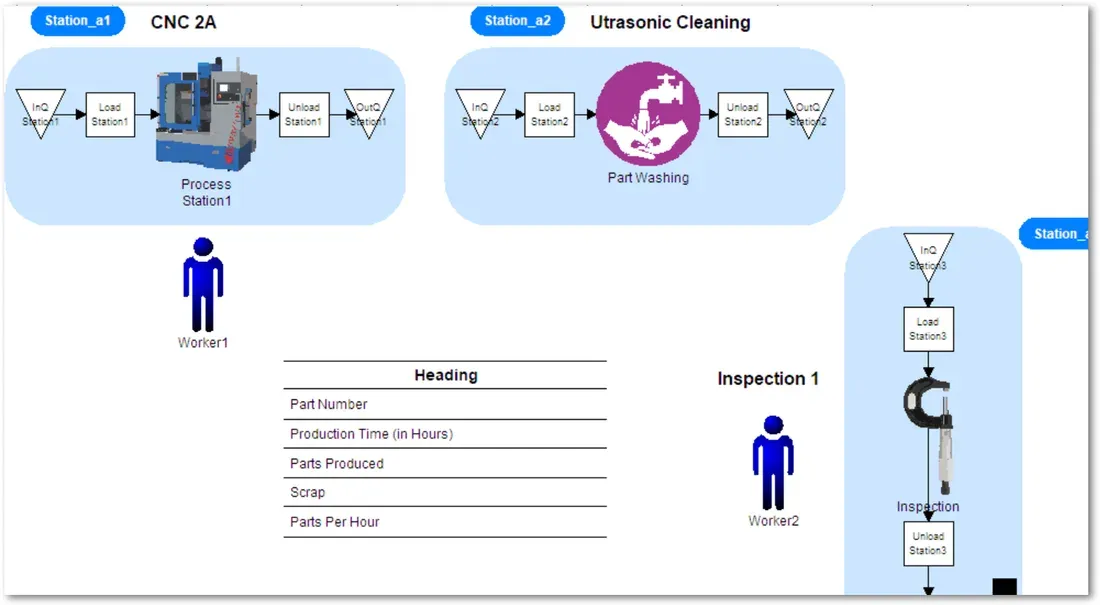
Say you needed to know what parts belong in a work cell. Twenty model objects let you assemble a work cell model as easily as putting together a flat-pack table, with pieces for scheduling arrivals, machining, assembly, cleaning, inspection, resource assignment, downtime, and stats collection.
Say you wanted to model the overall flow through a hospital. One model object provides the pattern, and with a few explained changes you have a finished model.
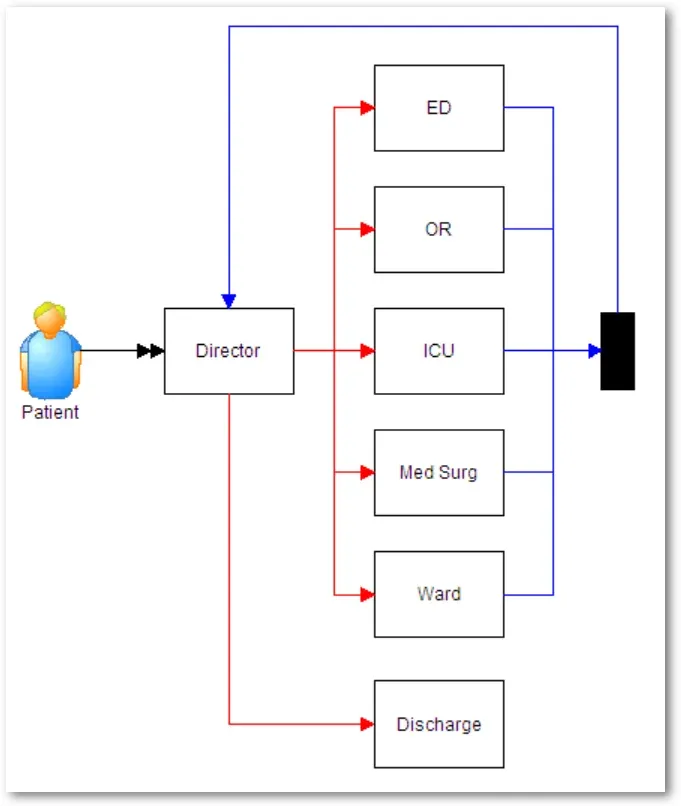
And if you needed a custom interface for your model, there is a model object for that too.
Easy to use
It does not get much simpler. Insert the model object and connect it to your existing model. Each one comes with its own instructions and explanations.
Model objects are smart
Model objects paste wherever you put the cursor and integrate themselves automatically, adding the attributes, variables, and scenario parameters they need and even rewriting logic to work alongside your own. They snap together like Lego bricks, each piece fitting the last. That is how you can build a five-station work cell that processes ten different part numbers in under 20 minutes. Use them to solve the hardest problems in modeling.
How do I find them?
From the main menu, select Model Objects. To make sure you have the latest set, choose Check for Updates, and check often, because model objects are improved constantly. Snap-together pieces let you build models faster and at higher quality than before.
What if I don’t see what I need?
Select the category option to browse model objects from every industry. Still not finding it? Get in touch and we can talk through exactly what you need. To see how the pieces fit into a full project, read the step-by-step guide to building models or explore the product.